


Product Description
StarTech.com C2-D46-UAC-CBL-KVM KVM switch Black
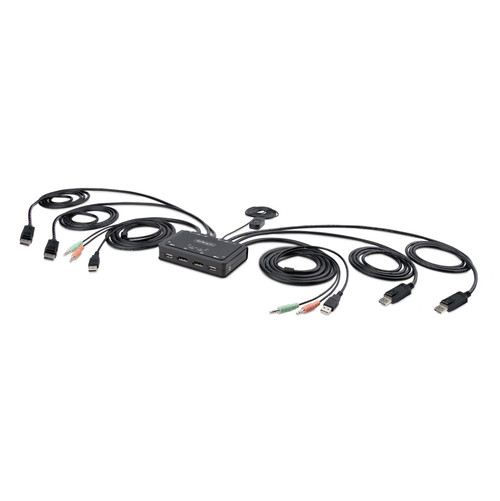
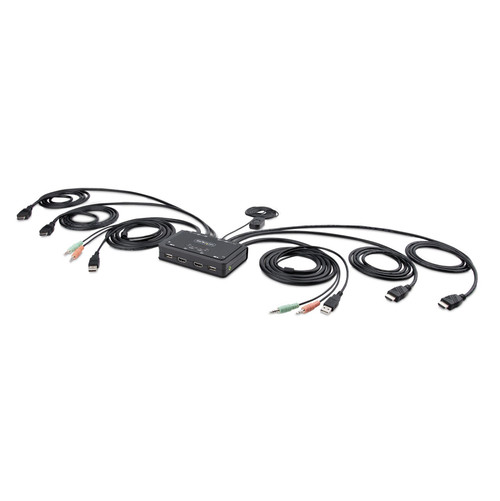
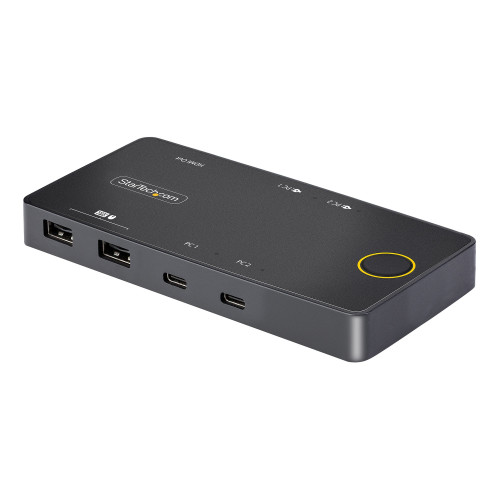
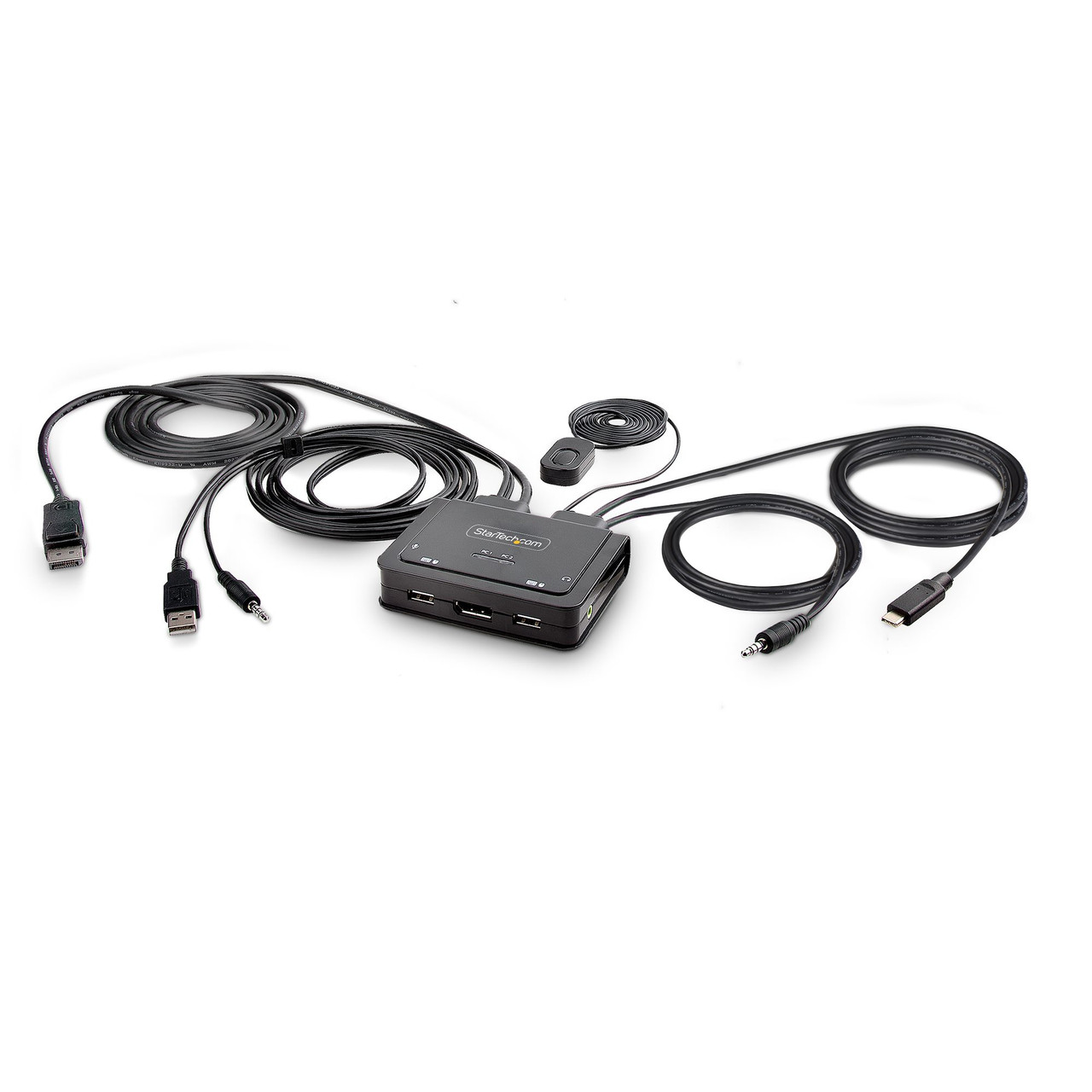
Share a mouse, keyboard, and a 4K 60Hz DisplayPort display between a USB-A computer and a USB-C DP Alt-mode computer, using this KVM Switch with built-in cablesThis Hybrid KVM Switch enables users to switch between a USB Type-A and DisplayPort-enabled desktop and a USB Type-C (DP Alt-Mode) enabled laptop, to share a keyboard, mouse, audio input/output devices, and a single 4K 60Hz DisplayPort monitor.
Hassle-Free Setup
The KVM switch is bus powered and features built-in DisplayPort, USB-A, USB-C, and 3.5mm Audio Input/Output cables. This ensures compatibility and performance between the KVM switch, monitors, and peripherals - without the need to select and purchase the cables required for those connections.
Compatibility
The 2-port KVM switch is compatible with all operating systems, including Windows, macOS, ChromeOS, and Linux. The KVM works with all hardware platforms including Intel, AMD, and Apple M1/M2. The USB-C host port works with USB-C, USB4, Thunderbolt 3, and Thunderbolt 4 laptops. If the desktop does not have a 4-position 3.5mm port the included 3.5mm Headset Adapter ensures compatibility out of the box.
Intuitive Control
The KVM switch offers two options to switch between hosts - a remote push button or hotkey commands, using the downloadable software. The remote push button includes a 1.5m cable for optimal placement in the setup. Independent audio switching can be achieved through the software, utilizing keyboard shortcuts (i.e., hotkeys), ensuring uninterrupted audio when switching between host devices.
Enhance Productivity and Device Management with the StarTech.com Connectivity Tools Application
Developed to improve performance and security, StarTech.com Connectivity Tools is the only software suite on the market that works with a wide range of IT connectivity accessories. The software suite includes:
• Advanced Windows Layout Utility: Setup and save custom windows layouts.
• MAC Address Pass-Through Utility: Improve network security.
• USB Event Monitoring Utility: Track and log connected USB devices.
• Wi-Fi Auto Switch Utility: Enable users to quickly access faster network speeds via wired LAN.
For more information and to download the StarTech.com Connectivity Tools application, please visit: www.startech.com/connectivity-tools
Warranty Information
30 Days WarrantyProduct Videos
Custom Field
Product Reviews

- Product images are for illustrative purposes only and the final product delivered may vary from the one shown above.
- In some cases, a product sold may arrive in different packaging than its original retail box. For bulk orders that are packaged together, product manuals or CDs may not always be available for each item.
- At checkout, the shipping cost is a general estimate which is subject to change depending on size/weight/quantity of ordered goods.
- Orders that contain end of life (EOL) products that are no longer in production may be replaced by a compatible product with the same FRU number offering same functionality.
- Refurbished printers may not have full ink cartridges or laser toners.
- Once an order is processed at our warehouse, it cannot be cancelled. A returned order will likely incur a restocking fee. See RMA page for details about restocking fees.
- Please note if you are concerned about any of the above conditions or have any question at all, we highly recommend that you contact us on sales@ithardwarediscounts.com or call 850-786-3447 before placing an order.